If you’ve been working from home for a while now, you already know the difference between a proper setup and just getting by. A kitchen chair and a laptop on the dining table might work for a day. After a few months, your back has other opinions.
The good news? You don’t need to spend a fortune to build a workspace that’s genuinely comfortable and productive. This guide walks you through everything you need for a complete home office setup in Canada — all under $1,000 CAD — with honest recommendations for every category.
No fluff, no filler. Just what actually matters and where to get it.
What’s Included in This Guide
Here’s what we’re covering:
- Sit-stand desk
- Office chair
- Monitor
- Webcam
- Keyboard and mouse
- Desk lighting
- Cable management
Let’s get into it.
1. Sit-Stand Desk — The Centerpiece of Your Setup
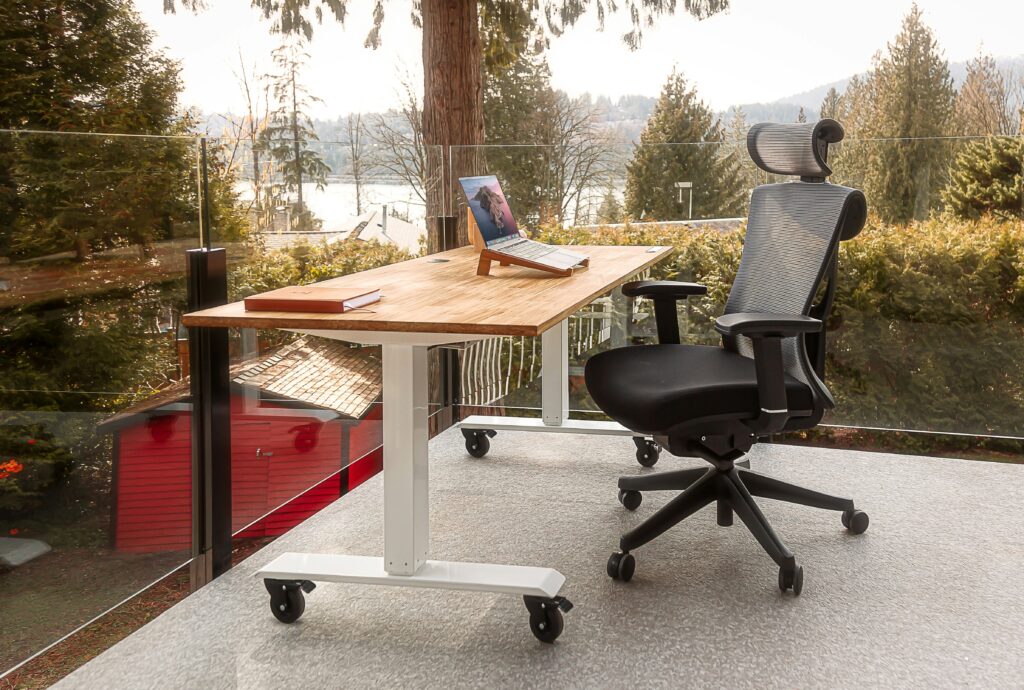
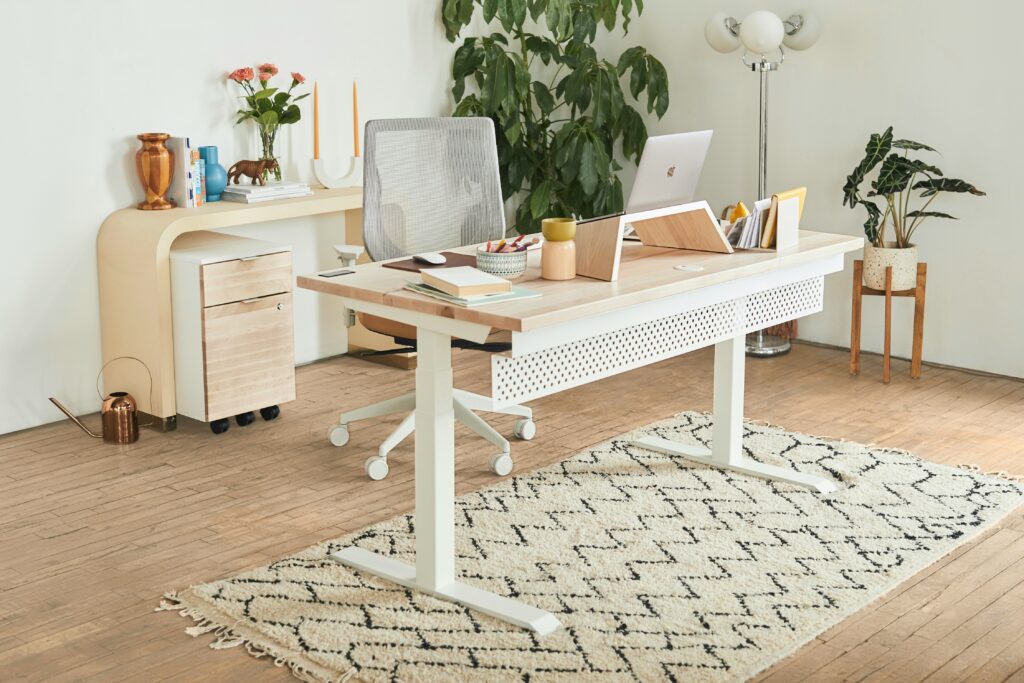
If there’s one thing worth spending a bit more on, it’s your desk. Specifically, a height-adjustable sit-stand desk. Sitting for eight hours straight isn’t great for your body, and once you’ve experienced the ability to shift between sitting and standing throughout the day, it’s hard to go back.
For Canadians, the FlexiSpot E6 Max is consistently one of the top recommendations in this category. It’s available directly through flexispot.ca and regularly shows up on Amazon.ca as well. The dual motor gives it solid stability even at standing height, and the memory presets let you switch positions with one button. It handles up to 160 lbs of weight on the surface, which is more than enough for a full monitor setup.
Approximate price: $400–$500 CAD depending on the desktop size you choose.
If that’s slightly over budget, the FlexiSpot EN2 is a step down in price with most of the same core functionality. It handles the basics well and is widely available in Canada.
What to look for in any sit-stand desk:
- Dual motor over single motor — much more stable
- Height range of at least 24″ to 50″ to accommodate different body types
- Memory presets — saves your exact sitting and standing heights
- Weight capacity above 100 lbs if you’re running multiple monitors
2. Office Chair — Don’t Cheap Out Here Either
Your chair is the other non-negotiable. A bad chair will quietly ruin your posture, your energy, and eventually your productivity. The problem is that genuinely good ergonomic chairs are expensive — Herman Miller and Steelcase are the gold standards but they’ll eat your entire budget on their own.
For a realistic under-$300 CAD option that doesn’t feel like a compromise, look at the Nouhaus Ergo3D or the SIHOO M57, both of which are available in Canada and consistently get strong reviews for lumbar support, adjustability, and build quality.
If you can find a refurbished Herman Miller Aeron or Steelcase Leap from a used office furniture dealer in your city, that’s actually the best value move in this entire guide. These chairs come with long warranties and last decades — paying $350–$450 for a refurbished version beats paying $250 for something new that won’t hold up.
What to look for:
- Adjustable lumbar support
- Adjustable armrests — 4D if possible
- Breathable mesh back
- Seat depth adjustment
- Chair that fits your height — check the seat height range before buying
Approximate price: $200–$300 CAD for a solid new mid-range chair
3. Monitor — More Screen, Less Strain
Your laptop screen is almost certainly too small and too low. Both of those things matter more than most people realize. A proper external monitor at eye level reduces neck strain, and more screen real estate genuinely improves how efficiently you work.
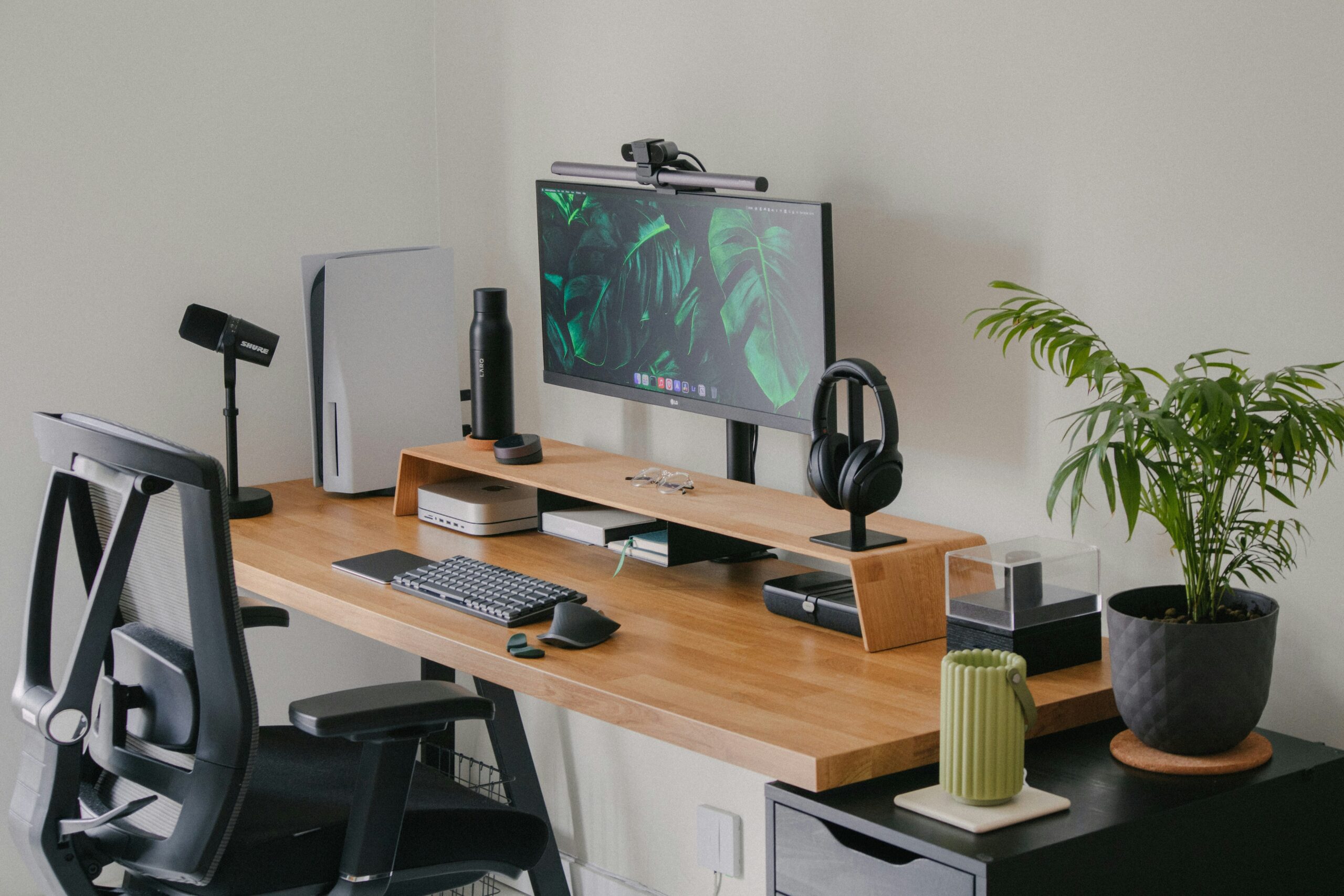
For most home office setups, a 27-inch 1080p or 1440p monitor hits the sweet spot between price and usability. The ASUS VA27EHE is a solid option available on Amazon.ca in the $180–$250 CAD range. If you want to step up to 1440p for noticeably sharper text and images, the LG 27QN600 is worth the extra spend and sits around $300–$350 CAD.
For anyone doing design work or wanting a more immersive setup, an ultrawide monitor is worth considering — but that’s a conversation for a different guide. For most remote workers, a single quality 27-inch display does the job well.
What to look for:
- At least 1080p resolution, ideally 1440p
- 27 inches — sweet spot for desk distance and usability
- IPS panel over TN — better color accuracy and viewing angles
- Height-adjustable stand — important for ergonomics
Approximate price: $180–$350 CAD
4. Webcam — Because Your Laptop Camera Isn’t Doing You Any Favours
If you’re on video calls regularly, your built-in laptop webcam is quietly making you look less professional than you are. The angle is wrong, the resolution is mediocre, and the low-light performance is usually poor.
The fix is affordable. The Logitech C920s is the go-to recommendation in this category — 1080p at 30fps, built-in dual microphones, and a privacy shutter. It’s widely available on Amazon.ca and Best Buy Canada. For most remote workers it’s all you’ll ever need.
If you want a step up, the Logitech C920x adds 720p at 60fps which gives smoother video on calls, and it’s usually only $20–$30 more.
Approximate price: $80–$120 CAD
5. Keyboard and Mouse — Small Upgrade, Big Daily Impact
You use your keyboard and mouse every single day. The quality of these peripherals adds up in ways that are easy to underestimate.
For a keyboard, the Logitech MX Keys is hard to beat for home office use. It’s wireless, works across multiple devices, has excellent key travel, and the battery lasts for months. Available on Amazon.ca around $130–$150 CAD.
For a mouse, the Logitech MX Master 3 is the productivity standard. The ergonomic shape, smooth scroll wheel, and multi-device switching make it genuinely one of those purchases where you wonder how you worked without it. It runs around $110–$130 CAD on Amazon.ca.
If budget is tight, the Logitech MK470 wireless keyboard and mouse combo gives you both for around $70–$80 CAD and is a perfectly respectable starting point.
Approximate price: $70–$280 CAD depending on whether you go combo or individual
6. Desk Lighting — Often Overlooked, Immediately Noticeable
Poor lighting causes eye strain, makes video calls look flat, and just makes your workspace feel dull. A simple fix is a quality desk lamp with adjustable brightness and color temperature.
The BenQ ScreenBar is the premium option — it clips directly onto your monitor, lights your desk without creating screen glare, and looks clean. It’s around $120–$140 CAD on Amazon.ca.
For a more budget-friendly option, the Quntis LED Desk Lamp delivers adjustable brightness and color temperature for around $40–$60 CAD and does the job well for most setups.
Approximate price: $40–$140 CAD
7. Cable Management — The Finishing Touch
Nothing makes a setup look more chaotic than loose cables everywhere. And nothing makes it look more intentional than clean cable routing. This is also one of the cheapest upgrades on this list.
A basic cable management kit — velcro ties, a cable spine, and a few under-desk clips — costs $15–$25 CAD on Amazon.ca and takes about 20 minutes to implement. The JOTO Cable Management Sleeve and generic cable clips from Amazon.ca are perfectly fine here. No need to overthink it.
Approximate price: $15–$25 CAD
Putting It All Together — The Full Budget Breakdown
| Item | Budget Option | Mid-Range Option |
|---|---|---|
| Sit-Stand Desk | $350 (FlexiSpot EN2) | $480 (FlexiSpot E6 Max) |
| Office Chair | $200 (Mid-range mesh) | $280 (Branch Ergonomic) |
| Monitor | $185 (ASUS VA27EHE) | $330 (LG 27QN600) |
| Webcam | $80 (Logitech C920s) | $110 (Logitech C922) |
| Keyboard + Mouse | $75 (MK470 Combo) | $270 (MX Keys + MX Master 3) |
| Desk Lamp | $45 (TaoTronics) | $130 (BenQ ScreenBar) |
| Cable Management | $20 (Joto ) | $20 (JOTO) |
| Total | ~$955 CAD | ~$1,620 CAD |
The budget build comes in just under $1,000 CAD and covers everything you genuinely need. The mid-range build is for anyone who wants to invest a bit more in the pieces they’ll use most — particularly the chair, keyboard, and mouse.
Where to Buy in Canada
All of the products mentioned in this guide are available through:
- Amazon.ca — widest selection, fast Prime shipping
- Best Buy Canada — good for monitors, webcams, and peripherals
- Staples Canada — solid for chairs and desk accessories
- Wayfair Canada — worth checking for desk prices, often competitive
- FlexiSpot.ca — direct purchase for their desks, sometimes better pricing than Amazon
Final Thought
A good home office setup isn’t about having the most expensive gear. It’s about removing the friction and discomfort that quietly drains your focus and energy every day. Start with the desk and chair — those two things matter most. Everything else can be upgraded over time.
If you found this guide useful, have a look at our other home office resources. And if you have questions about specific products or what to prioritize on a tighter budget, drop a comment below.
Disclosure: This article contains affiliate links. If you purchase through these links we may earn a small commission at no extra cost to you. This never influences our recommendations.