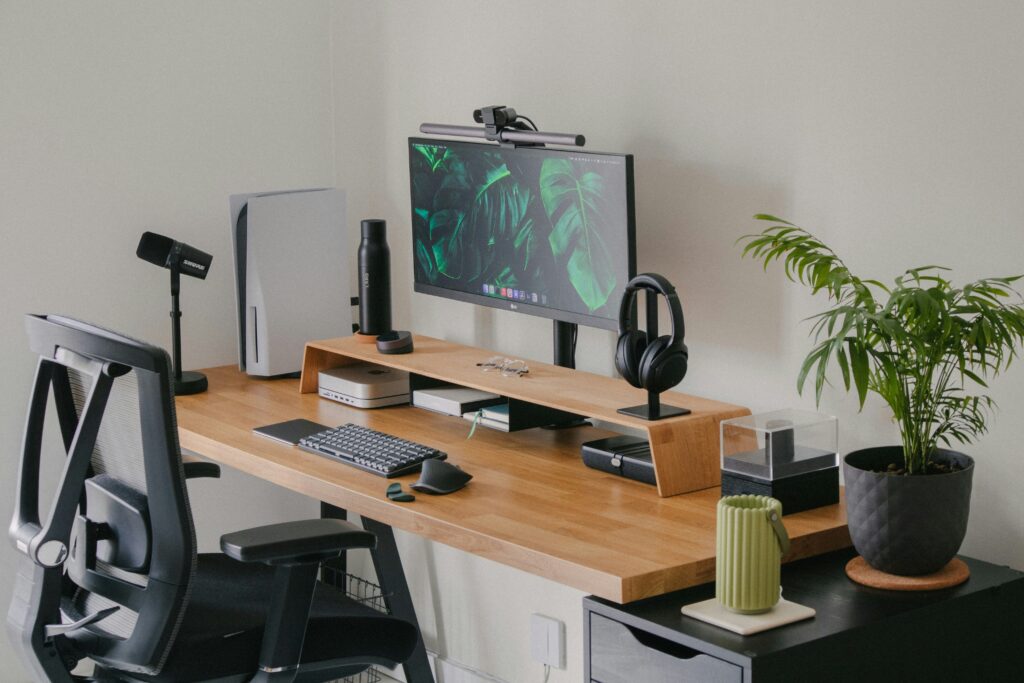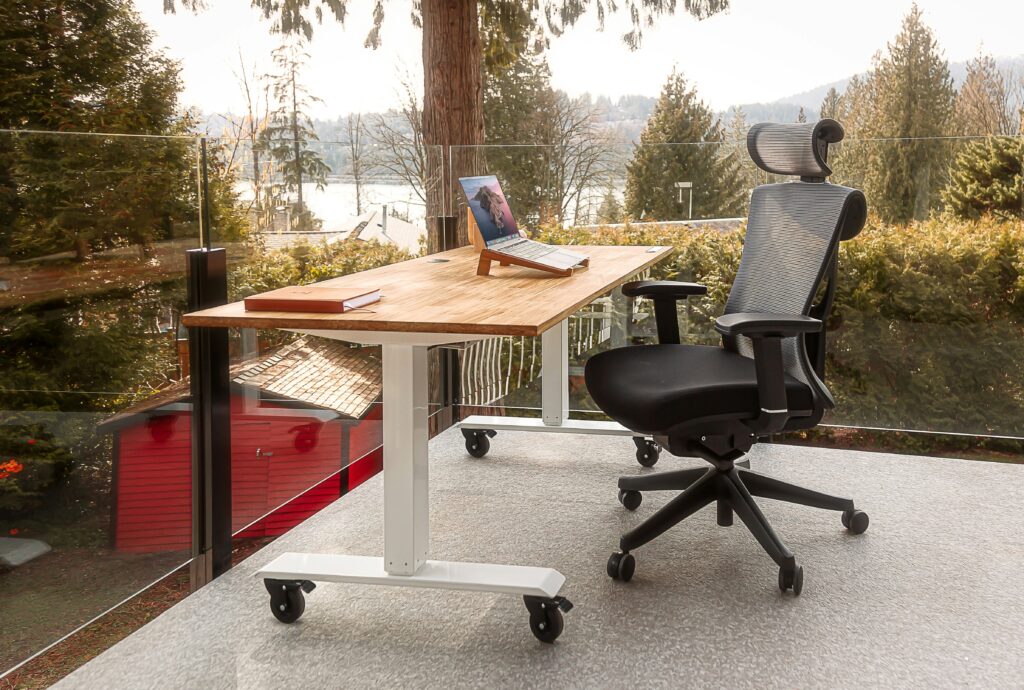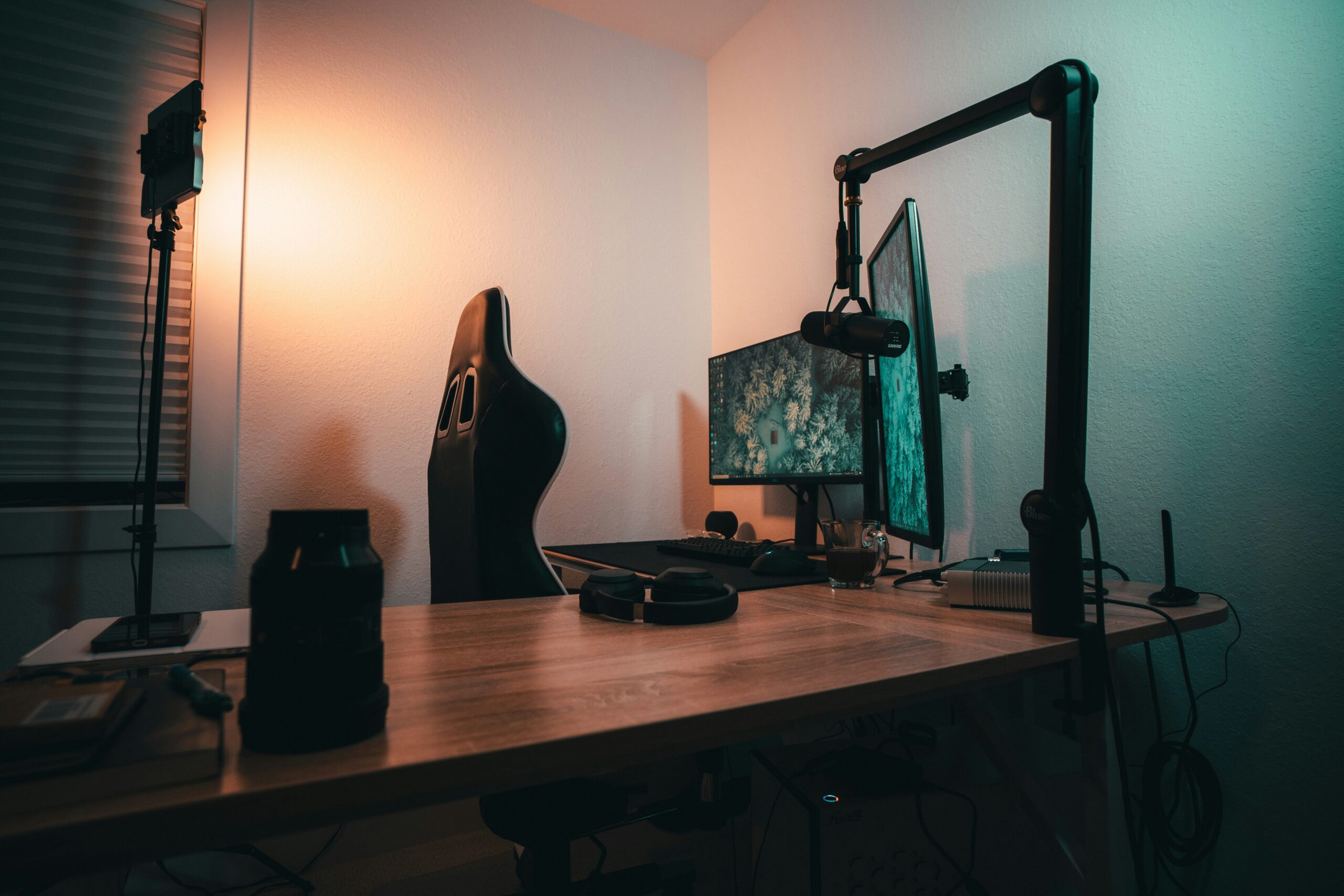
Most people overlook their monitor positioning until their neck starts complaining. If your screen is sitting on its factory stand at whatever height it came at out of the box, there is a good chance it is either too low, too close, or slightly off to the side. None of those things seem like a big deal until you add up what six months of poor neck positioning does to your upper back and shoulder tension.
A monitor stand or arm is one of the cheapest, highest-impact upgrades you can make to a home office setup. A basic riser costs under $30 CAD. A quality single monitor arm runs $40 to $80 CAD. And a premium articulating arm that holds your screen exactly where you need it every single time runs $80 to $150 CAD.
Here is what is worth buying in Canada right now.
Monitor Stand vs Monitor Arm: What Is the Difference?
A monitor stand or riser sits under your monitor and raises it to a fixed height. It is simple, stable, and inexpensive. The trade-off is that you cannot adjust the height once it is set, and it takes up desk surface space.
A monitor arm clamps to the edge of your desk or mounts through a grommet hole in the desktop. It holds your monitor on an articulating arm that you can adjust freely in height, depth, angle, and rotation. It frees up the entire area under the monitor, dramatically cleans up your desk, and lets you position the screen precisely where your eyes and neck are most comfortable.
For most home office users, a single monitor arm is the right choice. The combination of ergonomic flexibility and freed-up desk space makes it one of the most satisfying upgrades in any setup.
What to Look for
Weight capacity must exceed your monitor’s weight with room to spare. Most 24 to 27-inch monitors weigh 4 to 7 kg. Check your monitor’s specifications and confirm the arm handles at least 2 to 3 kg more than your actual monitor weight.
VESA compatibility is the mounting standard that connects your monitor to the arm. The vast majority of monitors support 75 x 75mm or 100 x 100mm VESA patterns. Check your monitor’s specs before buying. Most arms support both patterns.
Desk clamp vs grommet mount affects installation. Clamp mounts attach to the edge of your desk without drilling. Grommet mounts thread through a hole in your desk for a cleaner look. Most arms include both options.
Cable management channels built into the arm route your monitor cables cleanly through the arm rather than letting them hang loose. Not essential but a nice detail on better arms.
Our Top Picks
Best Budget Riser Under $30 — Amazon Basics Monitor Riser
Price: approximately $20 to $28 CAD on Amazon.ca
If all you need is to raise your monitor to eye level and do not need the flexibility of an arm, a simple monitor riser does the job at minimal cost. The Amazon Basics version is stable, well built for the price, and has a small shelf underneath where you can store a keyboard or small items when not in use.
The fixed height is the limitation. You get one position and that is where your monitor sits. For people with a monitor that sits exactly at the right height on a riser, this is genuinely all you need.
Best Budget Arm Under $50 — VIVO Single Monitor Arm
Price: approximately $35 to $50 CAD on Amazon.ca
VIVO makes some of the most popular budget monitor arms in North America and they earn their reputation through reliability at a low price. The single monitor arm handles monitors up to 10 kg, supports 75 x 75 and 100 x 100 VESA patterns, and includes both clamp and grommet mounting options.
The range of motion is good for the price. You can adjust height, tilt, swivel, and rotation. The cable management channel routes cables reasonably well. At under $50 CAD it is the best entry point for a monitor arm in Canada.
Best Mid Range Arm Under $80 — Ergotron LX Single Monitor Arm
Price: approximately $60 to $80 CAD on Amazon.ca
The Ergotron LX is widely regarded as the best monitor arm under $100 and for good reason. The build quality is substantially better than budget alternatives, the gas spring mechanism holds your monitor position smoothly without drift over time, and the range of motion is exceptional. You can position the screen anywhere from very low to very high, push it back out of the way when you need desk space, or pull it close during detailed work.
It handles monitors up to 11.3 kg and includes both clamp and grommet mounting. The cable management is better than most arms at this price. If you plan to keep a monitor arm for several years without replacing it, the Ergotron LX is the right investment over a cheaper alternative.
Best Dual Monitor Arm Under $120 — VIVO Dual Monitor Arm
Price: approximately $70 to $100 CAD on Amazon.ca
If you run a dual monitor setup, a dual monitor arm eliminates two sets of monitor stands from your desk simultaneously and lets you position both screens at ideal heights and angles. The VIVO dual arm handles two monitors up to 10 kg each, supports standard VESA patterns, and includes full height, tilt, and rotation adjustment on each arm independently.
The build quality is reasonable for the price. It is not as smooth as the Ergotron dual arm options but it is functional and frees up significant desk real estate. For a budget dual setup it is the best value option available on Amazon.ca.
Quick Comparison Table
| Product | Price CAD | Type | Best For |
|---|---|---|---|
| Amazon Basics Riser | $20 to $28 | Fixed riser | Budget, single monitor, no adjustment needed |
| VIVO Single Arm | $35 to $50 | Articulating arm | Budget arm, solid daily driver |
| Ergotron LX | $60 to $80 | Articulating arm | Best value long-term, smooth adjustment |
| VIVO Dual Arm | $70 to $100 | Dual articulating | Dual monitor setups on a budget |
Installation Tips
Check your desk edge thickness before ordering a clamp-style arm. Most clamps accommodate desks up to 80mm thick, but standing desks with thicker frames occasionally need a larger clamp or grommet mounting instead.
Remove your monitor stand before attaching the arm. Most monitors have a removable stand that pops off with a button or by unscrewing a few bolts from the back. The VESA mount holes are behind or around the stand attachment point.
Set your eye height before tightening the arm permanently. Sit in your normal working position and position the monitor so the top of the screen is at eye level or just slightly below. That position reduces neck strain significantly over long sessions.
Route cables through the arm cable channel before final positioning. Doing it after is frustrating.
Where to Buy in Canada
Amazon.ca carries all the options listed here with Prime delivery. Best Buy Canada stocks Ergotron and some VIVO models in store. Staples Canada carries a more limited selection but occasionally has sales on monitor accessories.
Final Thoughts
For most setups, the Ergotron LX is the monitor arm worth buying. It costs a bit more than budget alternatives but the build quality and smooth mechanism mean you will not be replacing it. If budget is tight, the VIVO single arm does the job adequately at under $50 CAD.
If you are still using the factory stand your monitor came with, upgrading to a monitor arm is one of the cheapest, most immediately noticeable improvements you can make to your workspace. The freed-up desk space alone is worth it.
Questions about compatibility with your specific monitor or desk? Leave a comment and we will help you figure it out.
Disclosure: This article contains affiliate links. If you purchase through these links we may earn a small commission at no extra cost to you. This never influences our recommendations.