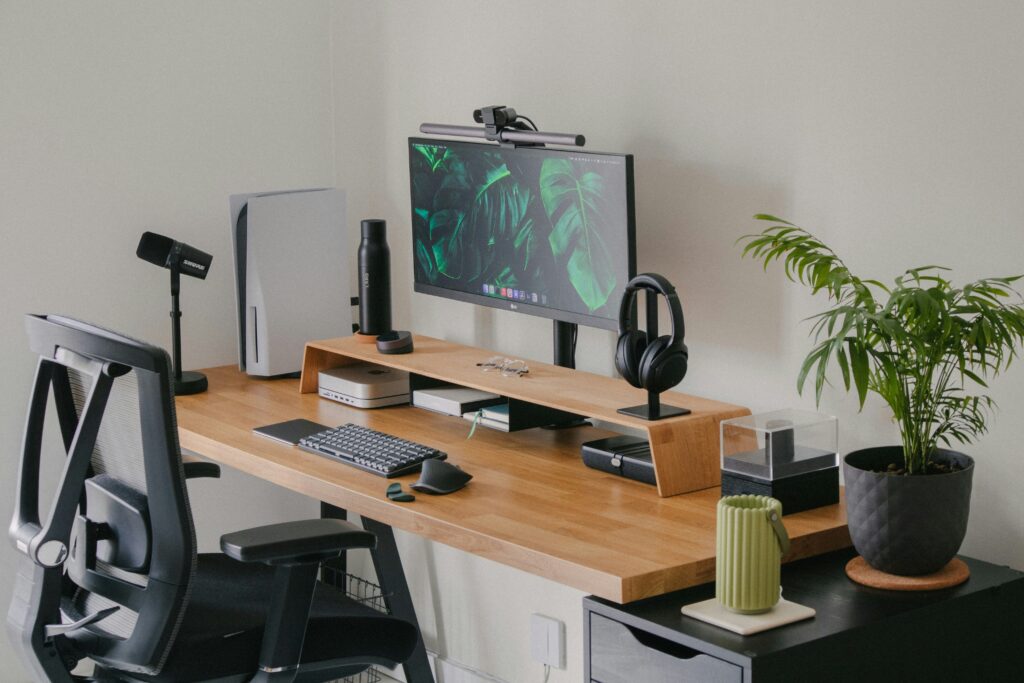
If you use a Mac for work, you have probably thought about this comparison at some point. The Apple Magic Mouse is the obvious choice by default, clean looking, tightly integrated with macOS, and already in the Apple ecosystem you are comfortable with. The Logitech MX Master 3S is the productivity-focused alternative that a growing number of Mac users have switched to and never looked back from.
Both are genuinely good mice. But they are built for very different priorities, and choosing the wrong one for how you work has real daily consequences.
Here is a straight comparison.
Design and Ergonomics
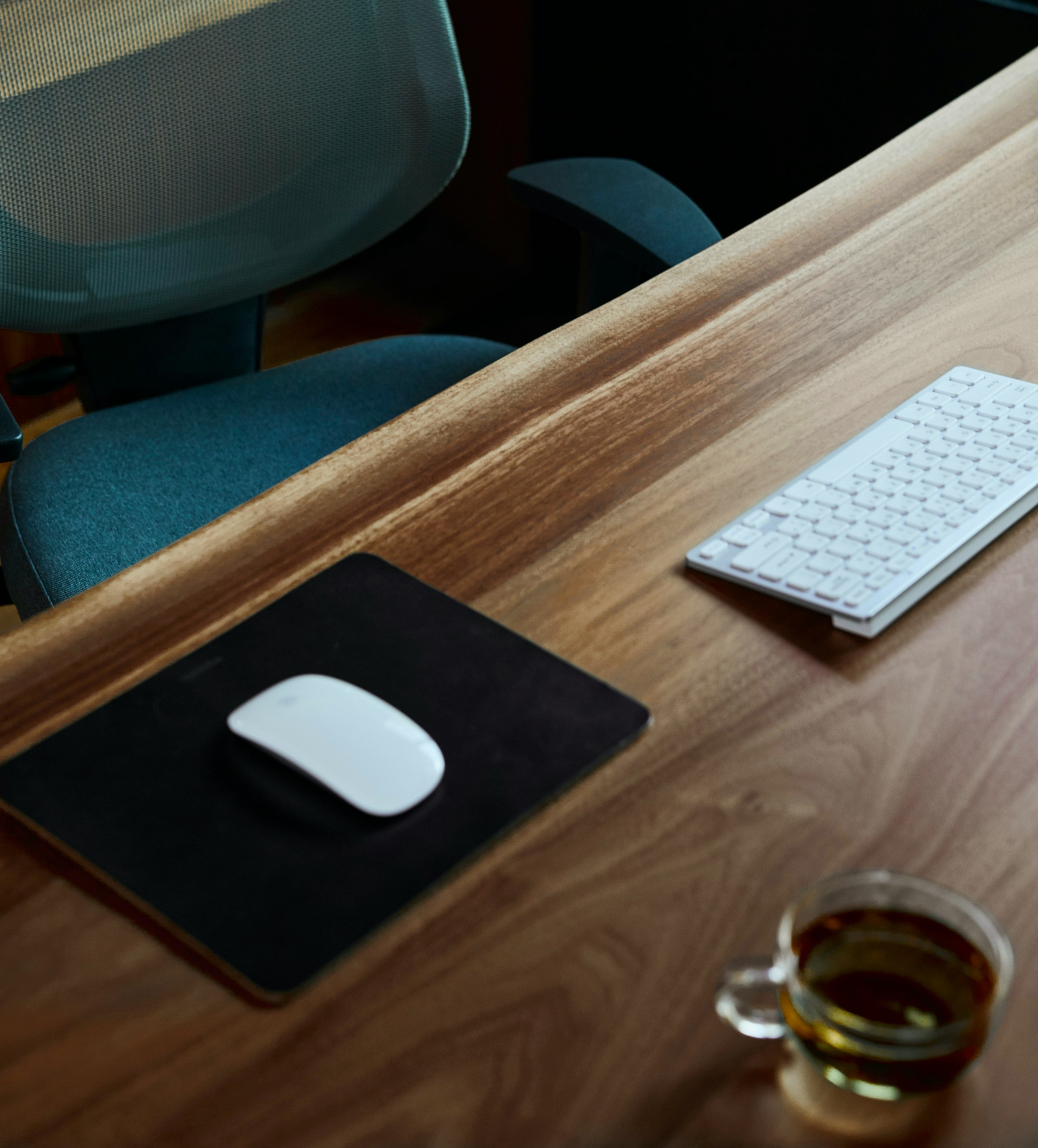
The Apple Magic Mouse is slim, symmetrical, and elegant. It weighs about 99 grams and sits low on your desk with a smooth glass multi-touch surface on top. It looks beautiful next to an iMac or MacBook setup and there is no arguing with the aesthetics.
The ergonomics, however, are a different story. The flat, low-profile design provides virtually no palm or wrist support. For light, occasional use it is fine. For people spending four or more hours a day using a mouse, the Magic Mouse encourages an unnatural wrist position that many users find leads to hand and forearm fatigue over time.
The Logitech MX Master 3S is larger and heavier at 141 grams. Its contoured shape supports the natural curve of your hand, with a raised thumb rest, a sculpted palm support, and a rubber textured grip that keeps your hand relaxed rather than tense. It is designed specifically for right-handed users. After a few hours of use the difference in hand fatigue between the two mice is noticeable.
Features and Functionality
The Magic Mouse has a multi-touch surface that supports macOS gestures. You can swipe between desktops, scroll through documents, open Mission Control, and navigate back and forward in browsers. It is elegant and intuitive, and for users who rely heavily on macOS gesture workflows it is a genuinely compelling feature.
The MX Master 3S has seven programmable buttons, a high-speed MagSpeed scroll wheel that switches between free-spinning and ratchet modes automatically, a horizontal thumb scroll wheel, and a gesture button that replicates macOS native gestures when paired with Logi Options+ software. You can program every button with app-specific actions, create custom profiles for different software, and use Flow to control multiple computers with one mouse seamlessly.
For power users who spend time in multiple applications or across multiple screens, the MX Master 3S offers meaningfully more control. The horizontal scroll wheel alone is genuinely transformative for anyone who works in spreadsheets, timelines, or wide-format documents.
Battery and Charging
The Magic Mouse charges via USB-C but with a significant design flaw that Apple has acknowledged and apparently plans to fix in a future version. The charging port is on the bottom of the mouse, which means you cannot use it while it is charging. In practice this is a minor inconvenience since the battery lasts several weeks, but it is an oddly poor design decision for an otherwise elegant product.
The MX Master 3S charges via USB-C and can be used while charging without any issue. A full charge lasts approximately 70 days under normal use. Quick charge gives you three hours of use from a one-minute charge, which effectively eliminates the low battery anxiety that some users experience.
macOS Compatibility
This was historically the biggest hesitation for Mac users considering the MX Master 3S. Apple users worry about losing gesture support and macOS integration.
In practice it works very well on Mac. Logi Options+ software enables native macOS gesture support through the gesture button, so you can access Mission Control, switch desktops, and perform other system gestures without losing anything. Bluetooth pairing with MacBooks is smooth, and the ability to switch between a MacBook, an iPad, and another device with one click makes it genuinely useful for multi-device workflows.
Price
The Apple Magic Mouse runs approximately $100 to $110 CAD on Amazon.ca.
The Logitech MX Master 3S runs approximately $110 to $130 CAD on Amazon.ca.
The price difference is minimal. This comparison is not about money.
Who Should Choose Which
Choose the Apple Magic Mouse if you use your Mac for light to moderate work, you love macOS gestures and rely on them daily, aesthetics and seamless Apple ecosystem integration matter to you, and you spend fewer than four hours a day using a mouse actively.
Choose the Logitech MX Master 3S if you spend four or more hours a day doing focused computer work, you use multiple applications that benefit from programmable shortcuts, you work across multiple devices and want to control them all with one mouse, or you have experienced any wrist or hand discomfort from your current mouse.
The Honest Verdict
For most serious remote workers and home office users, the MX Master 3S is the better productivity tool. The ergonomics alone justify the switch for anyone doing long daily sessions, and the programmable shortcuts and multi-device connectivity are genuinely useful additions once you set them up.
The Magic Mouse remains a beautiful, functional mouse for Mac-centric users who prioritize ecosystem coherence and gesture-first workflows. It is not a bad mouse. It is just not optimized for extended daily desk work.
Disclosure: This article contains affiliate links. If you purchase through these links we may earn a small commission at no extra cost to you. This never influences our recommendations.